Student Admission
Overview
This walkthrough admits four students into Class 5, Section A — a plain admission, a sibling pair (to demonstrate the Sibling Discount concession later), and an RTE-eligible student (to demonstrate the RTE Full Waiver concession).
3.1 Creating students
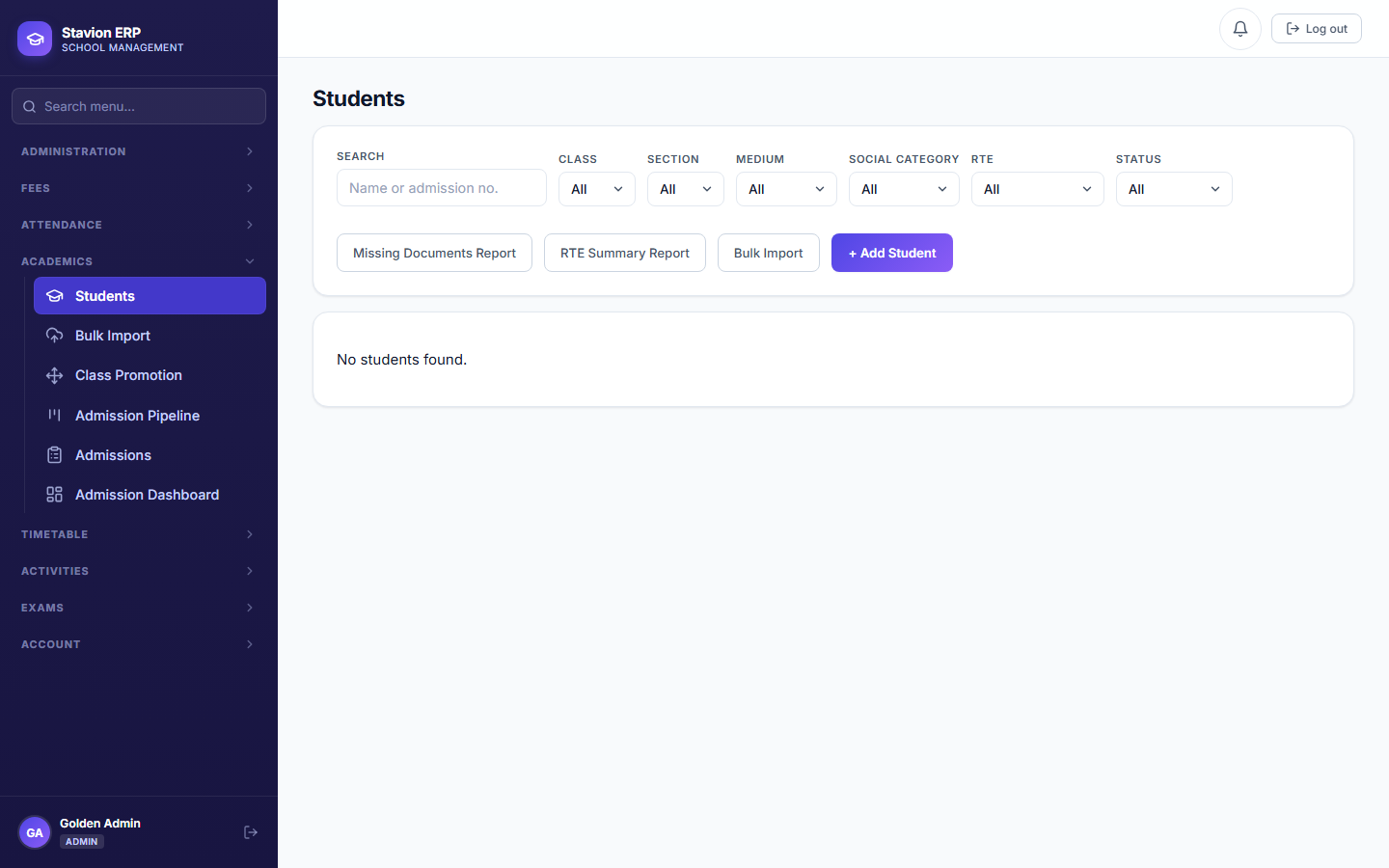
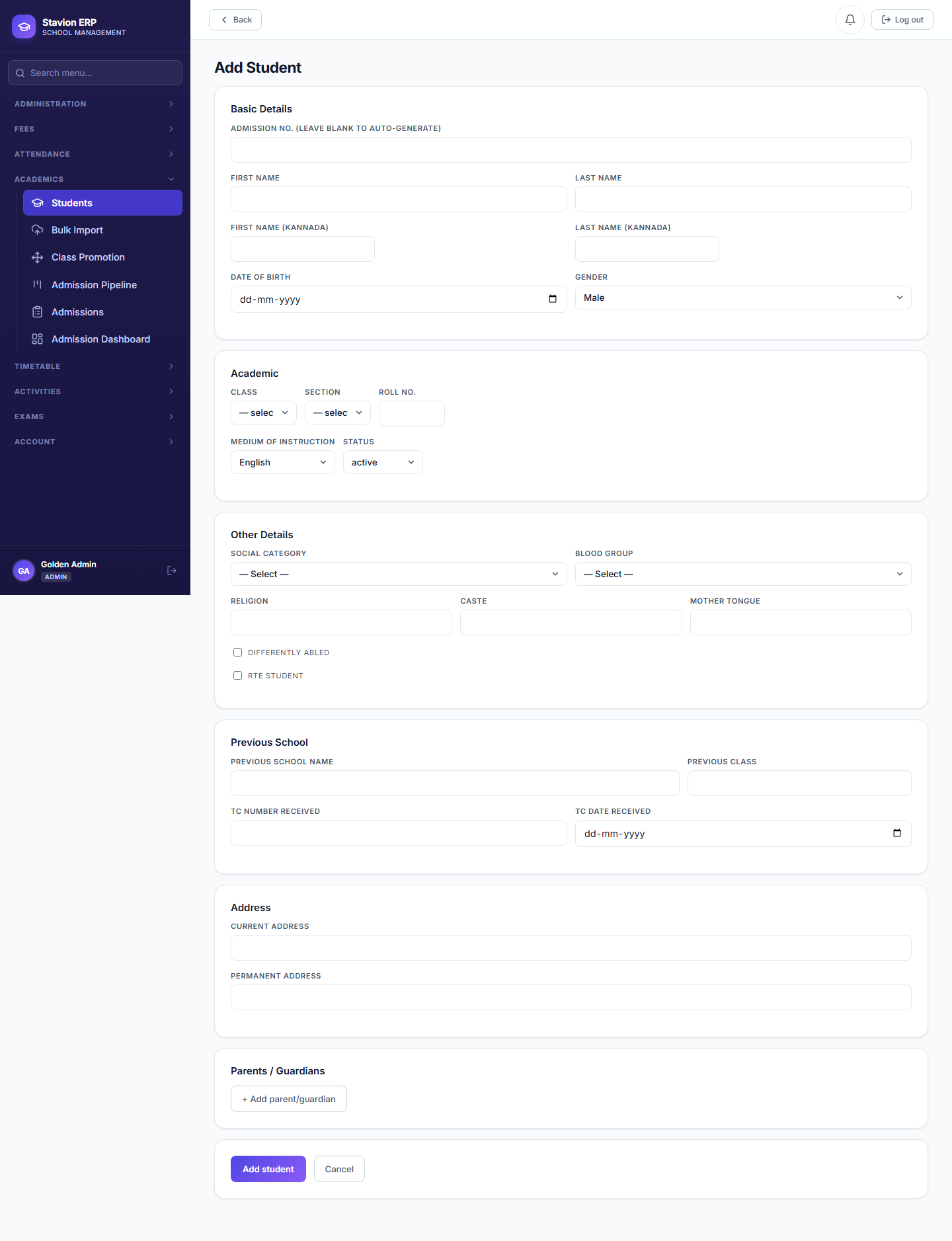
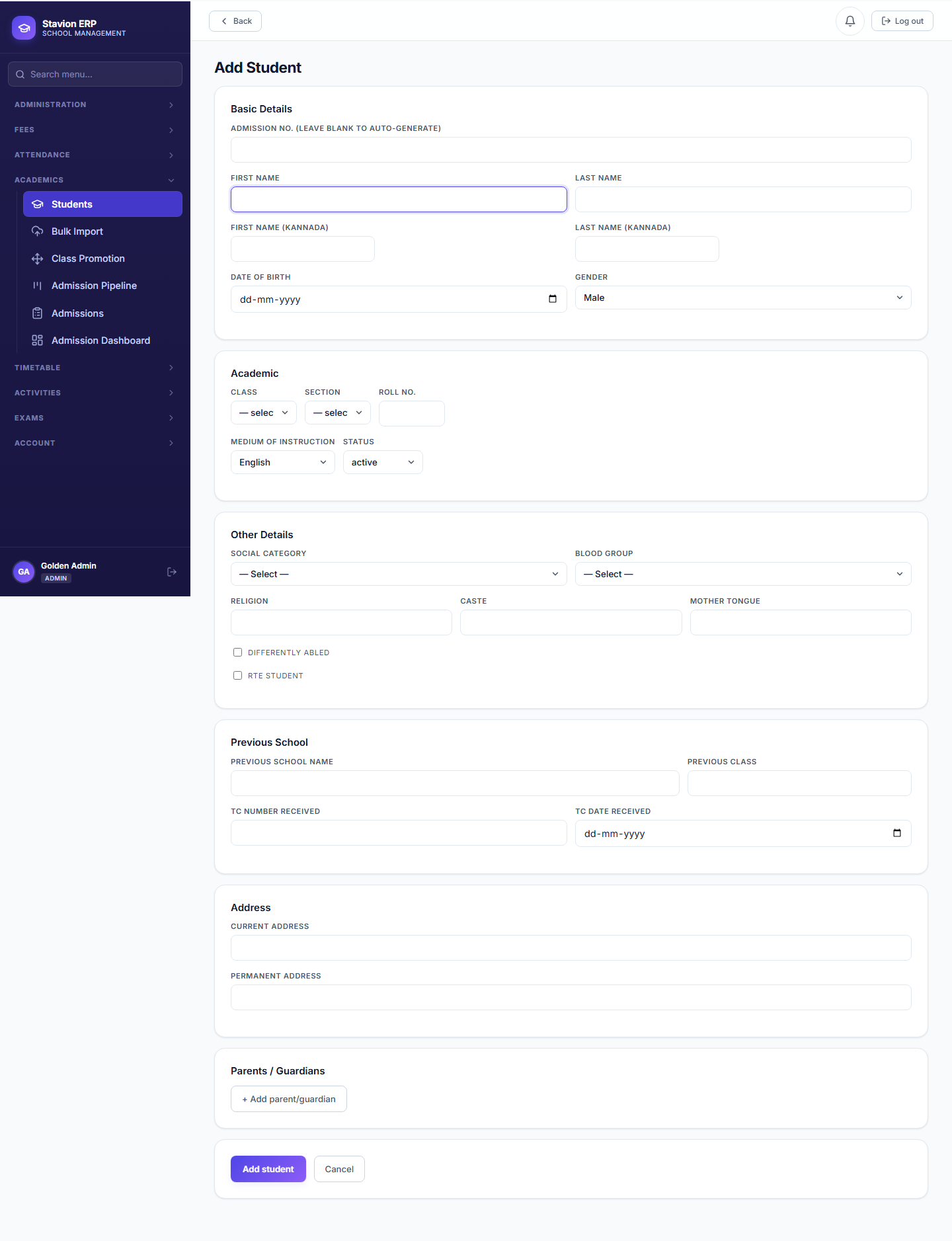
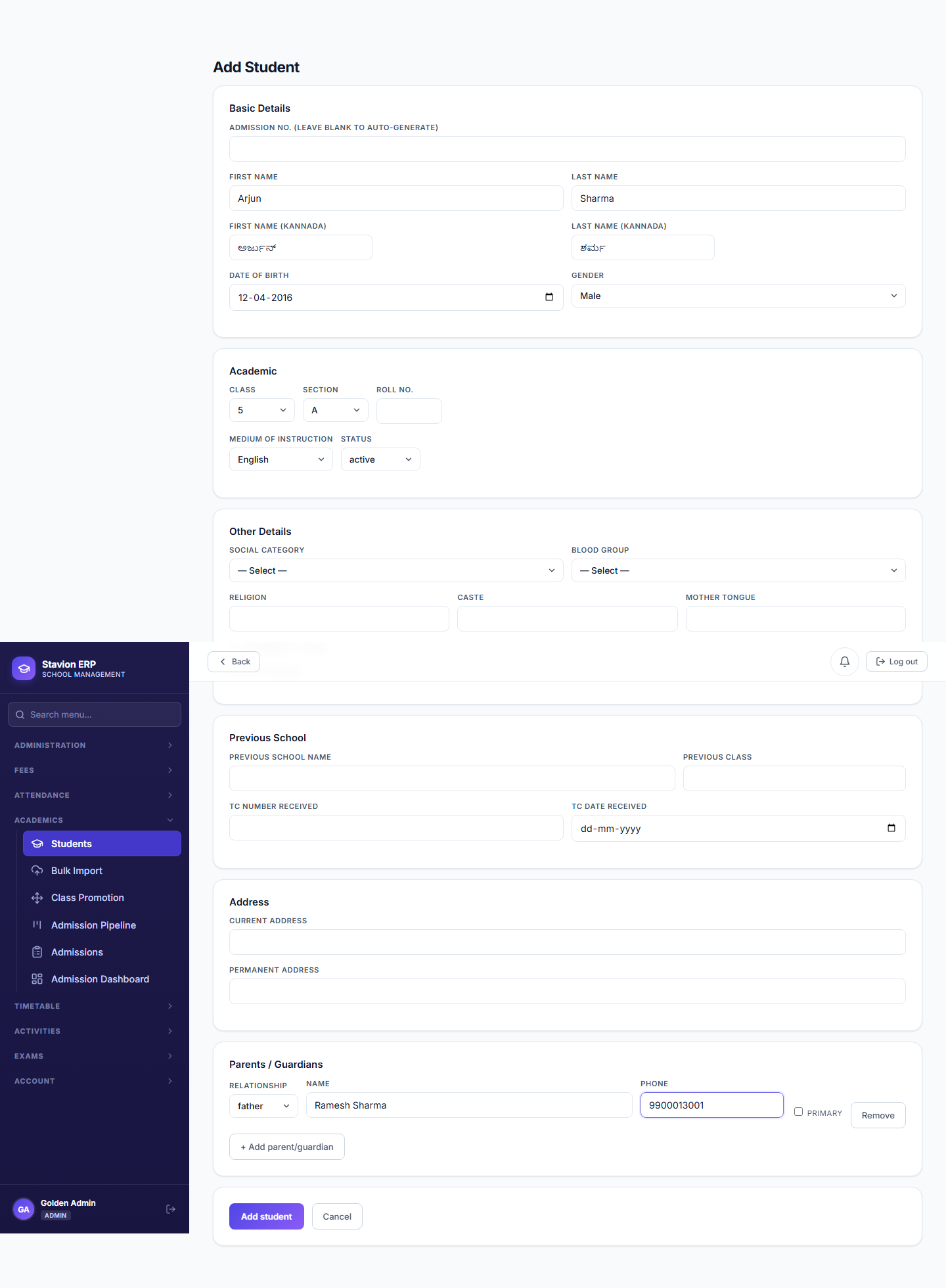
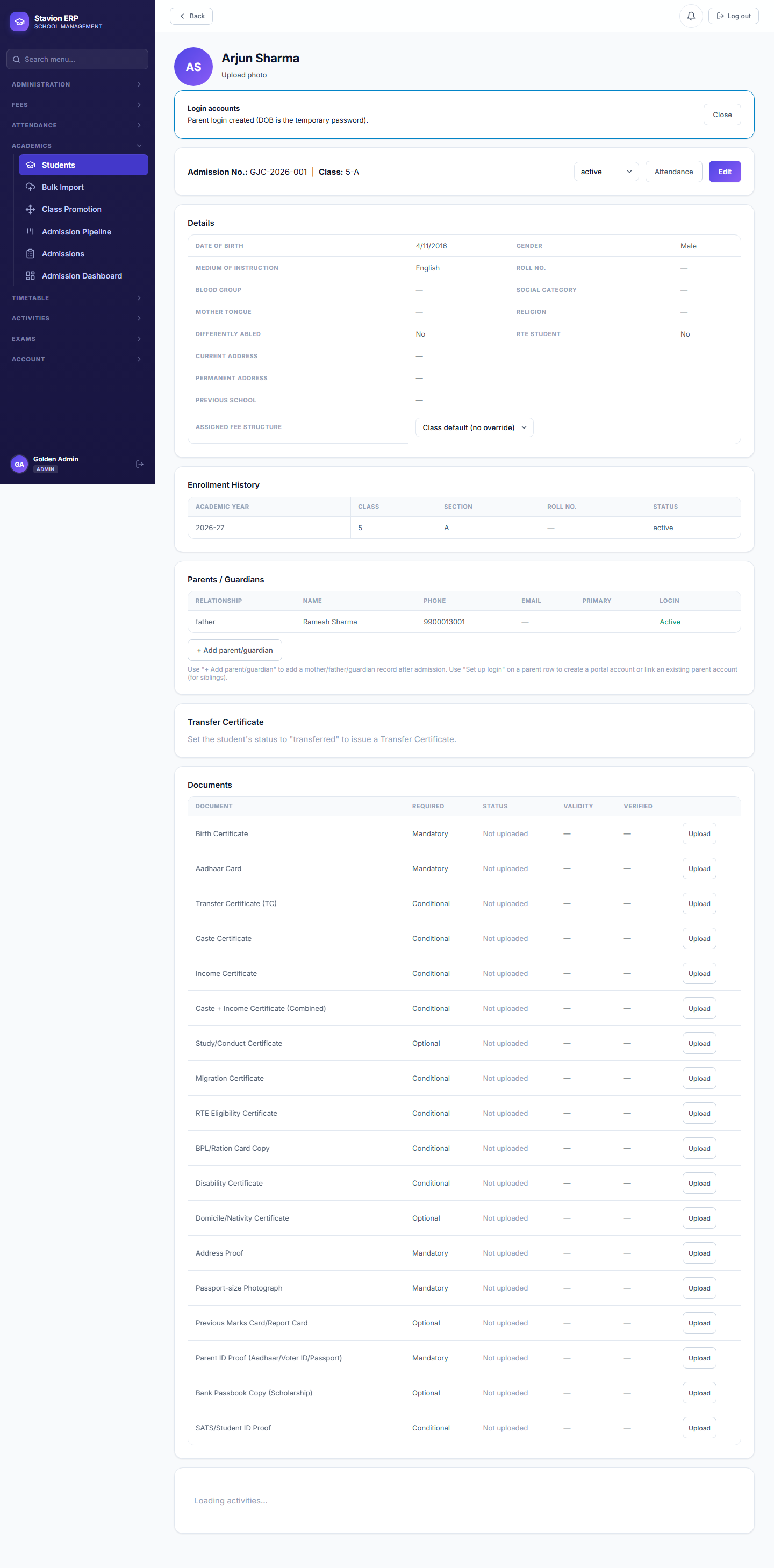
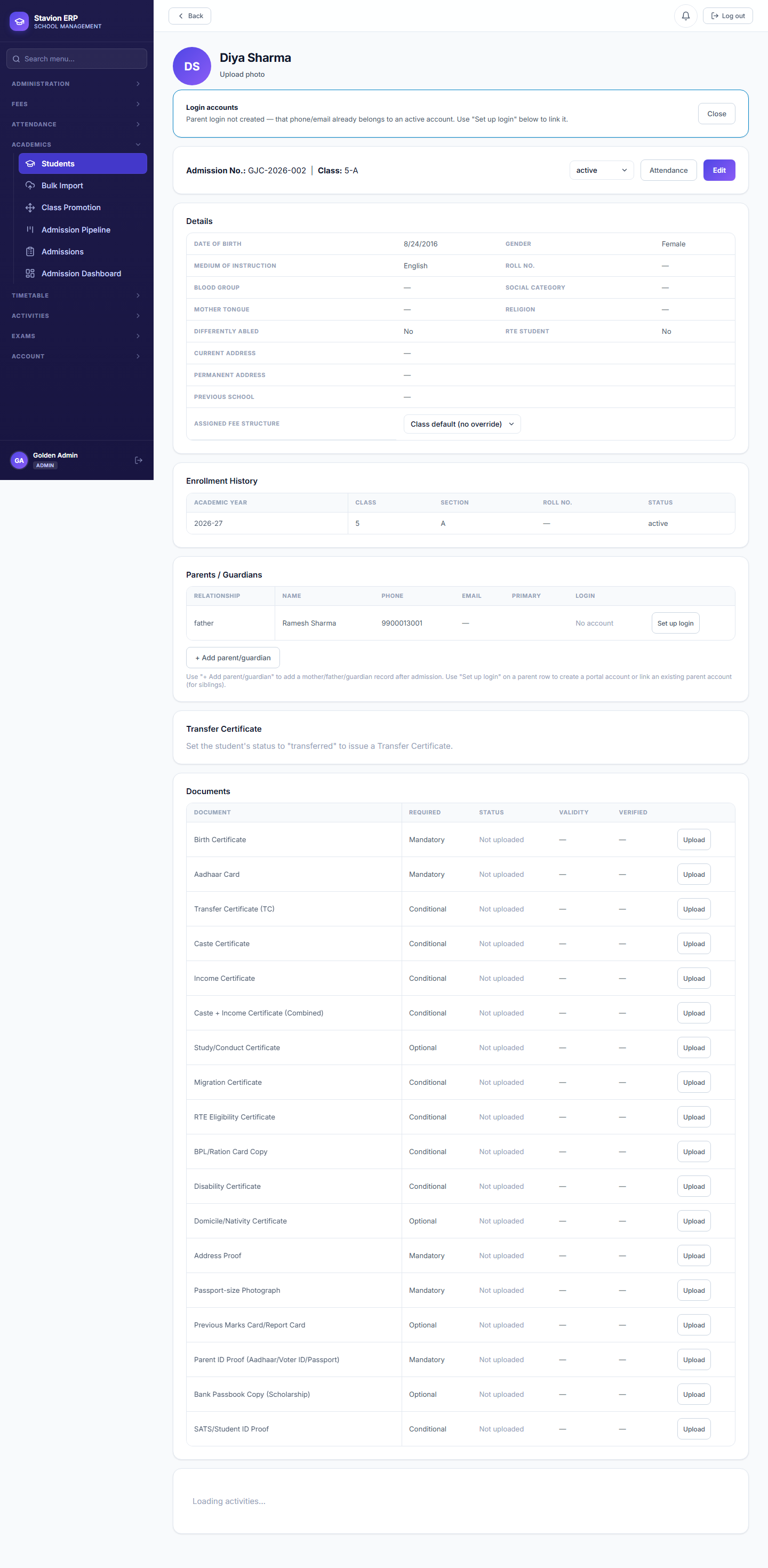
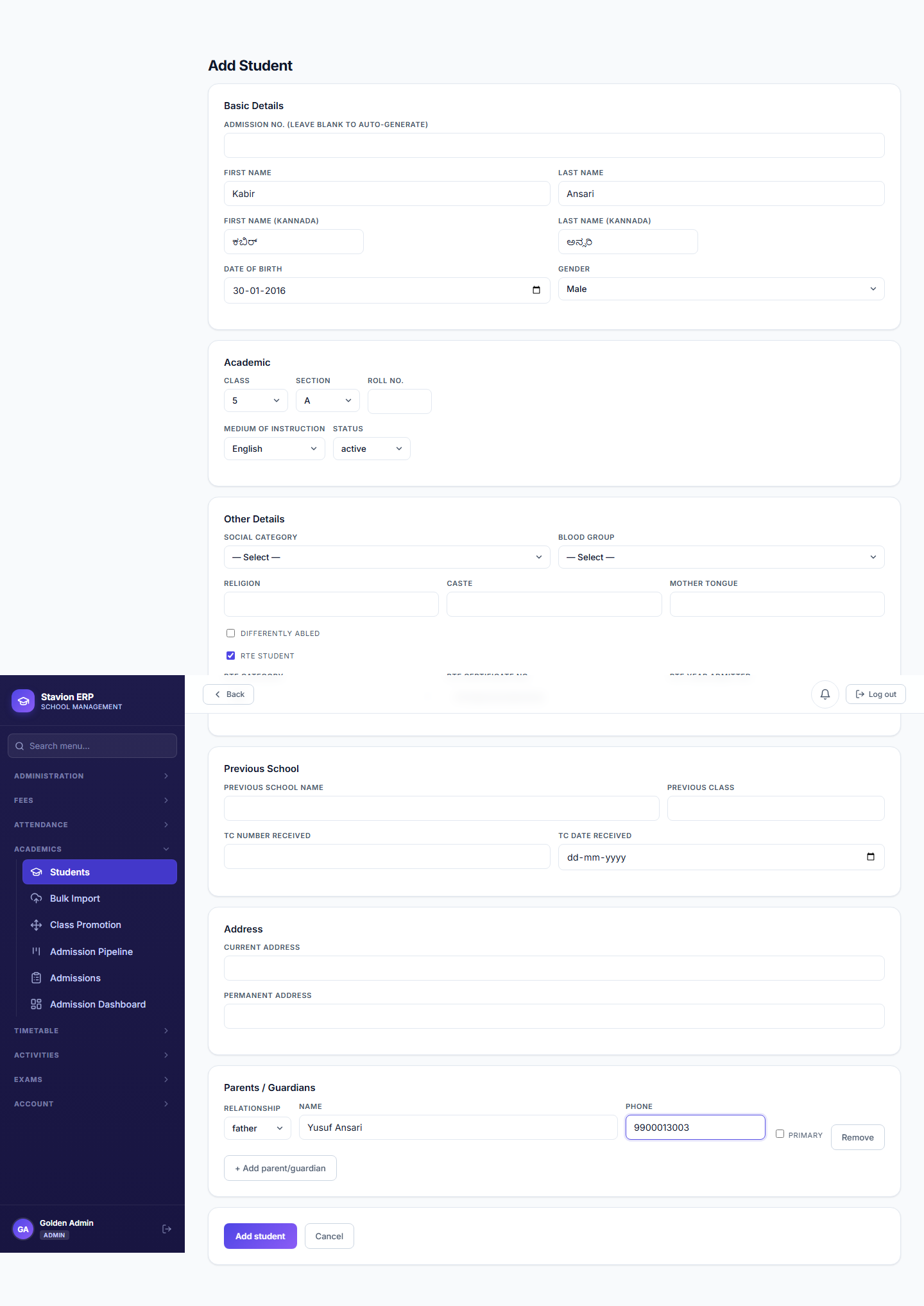
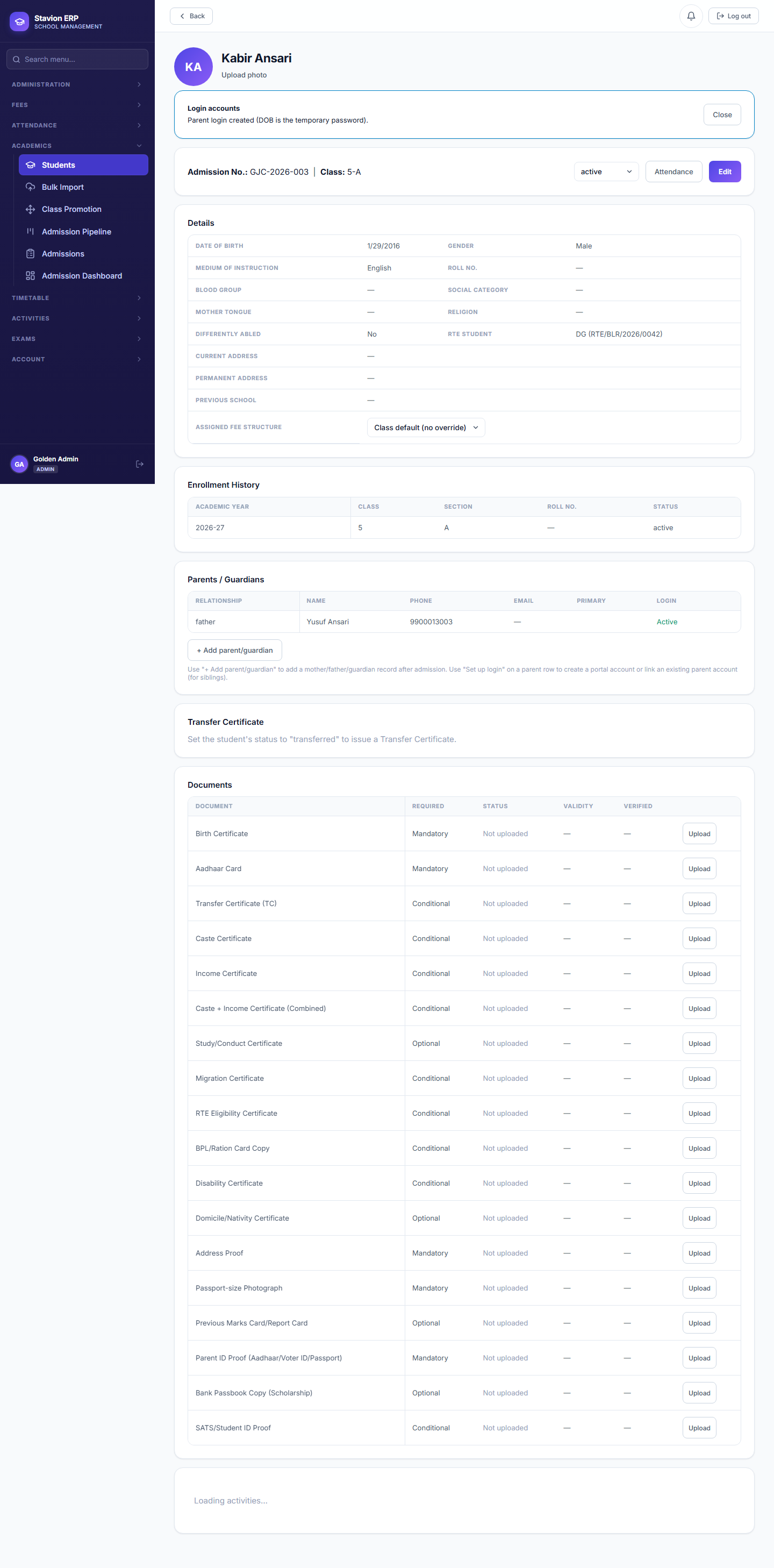
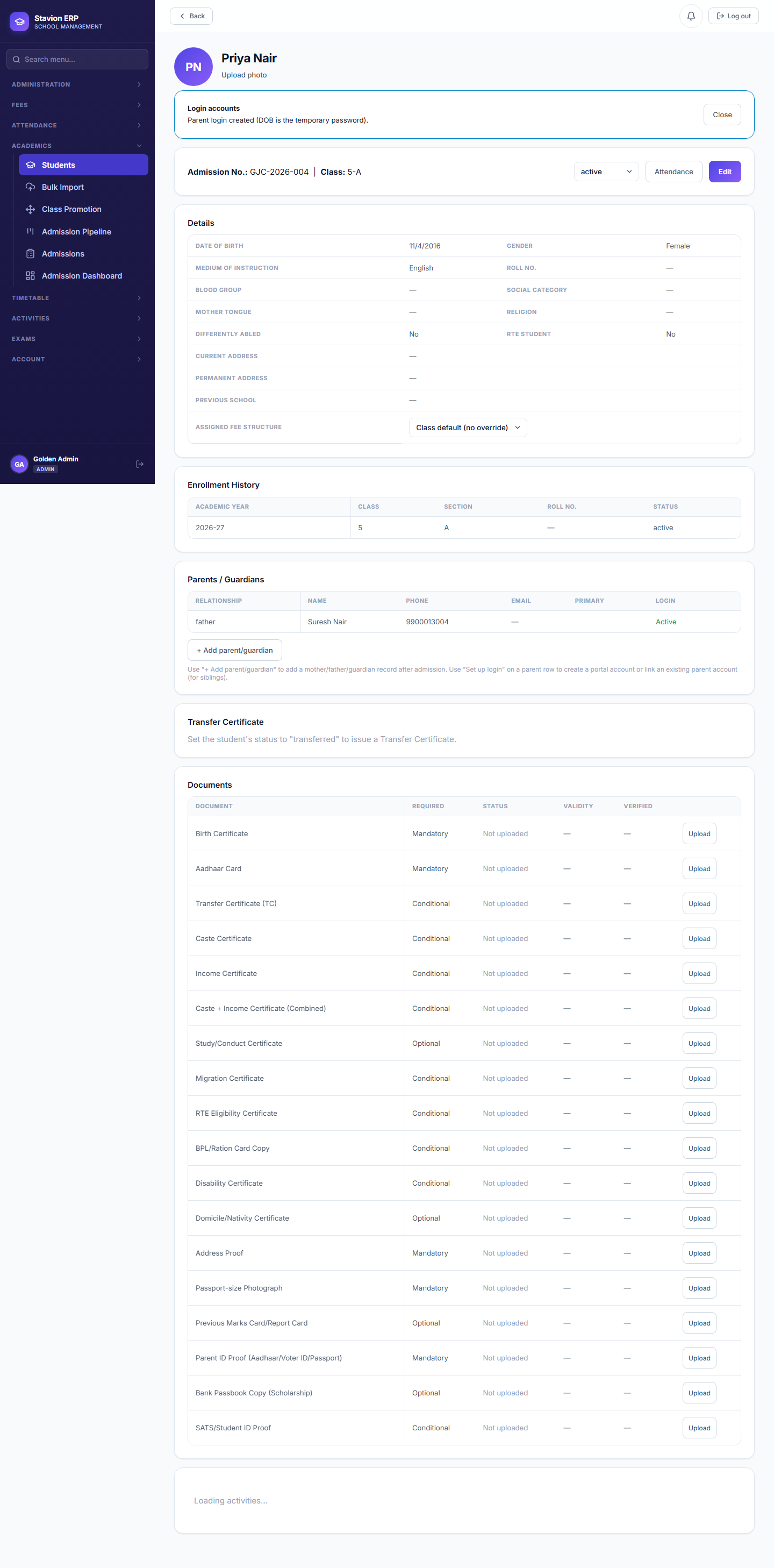
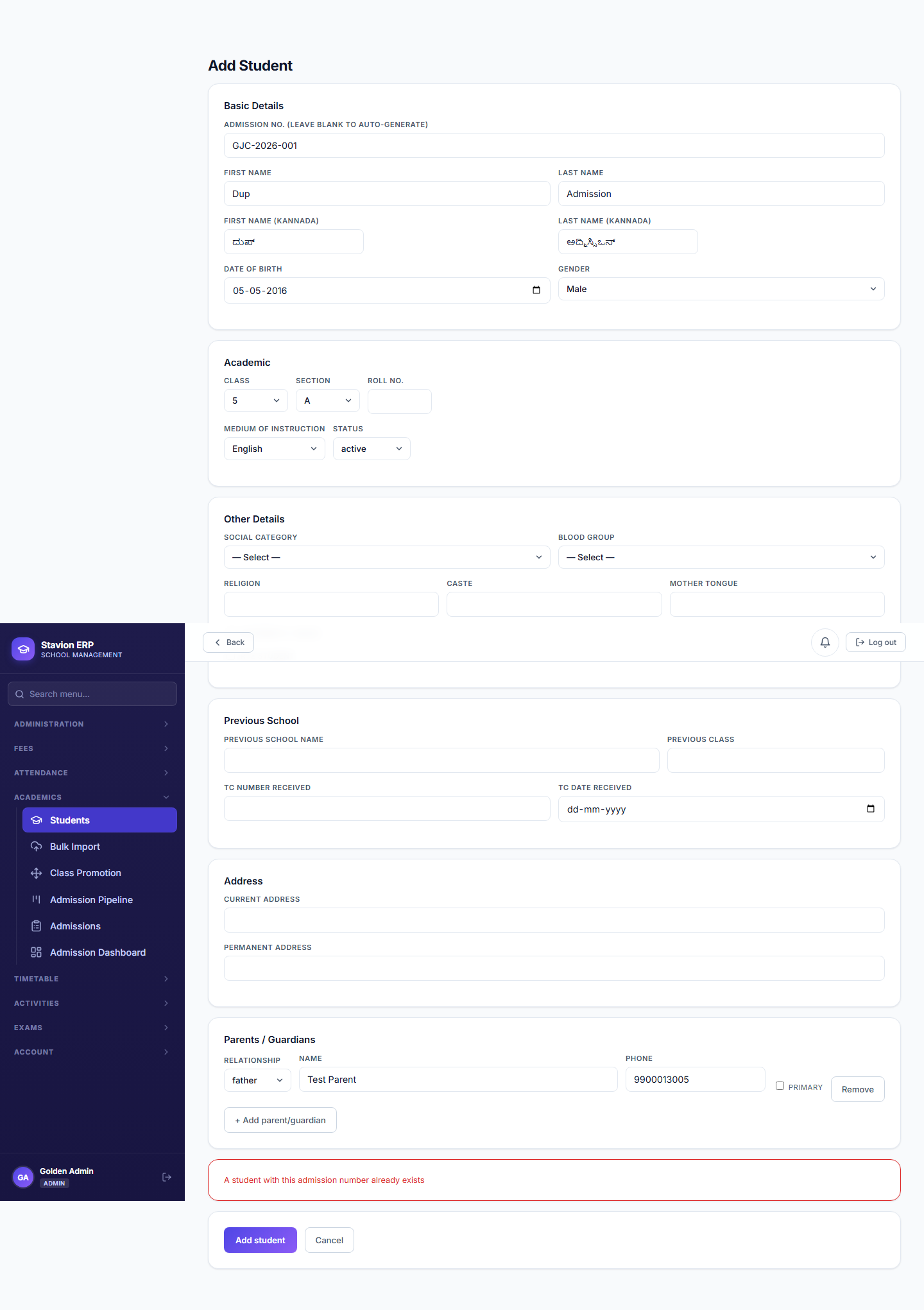
| Field | Required | Description | Example |
|---|---|---|---|
Admission No. |
Required | Unique per school; auto-suggested but editable. | — |
First Name / Last Name |
Required | The student’s legal name. | — |
Date of Birth |
Required | Also becomes the auto-created parent login’s default password (in DDMMYYYY format). | — |
Class / Section |
Required | Must be one of the classes/sections configured in Academic Structure (Chapter 1). | — |
Primary Parent Name / Phone |
Required | A parent login is created automatically for the primary contact. | — |
RTE Eligible |
Optional | Flags the student for the RTE Full Waiver concession (Chapter 4). | — |
What happens automatically behind every admission
Student record created
The admission form saves the student into the chosen class/section.
Primary contact checked
CampusOS looks for an existing active parent login on that phone number.
Reuse or create
An existing login is reused (no duplicate); otherwise a new one is created.
Temp password = DOB
A brand-new parent login’s password defaults to the student’s DOB (DDMMYYYY).
What happens the instant a new student is saved — see Diya Sharma, Chapter 3.1, for the "reuse" branch.
3.2 Class 5A roster
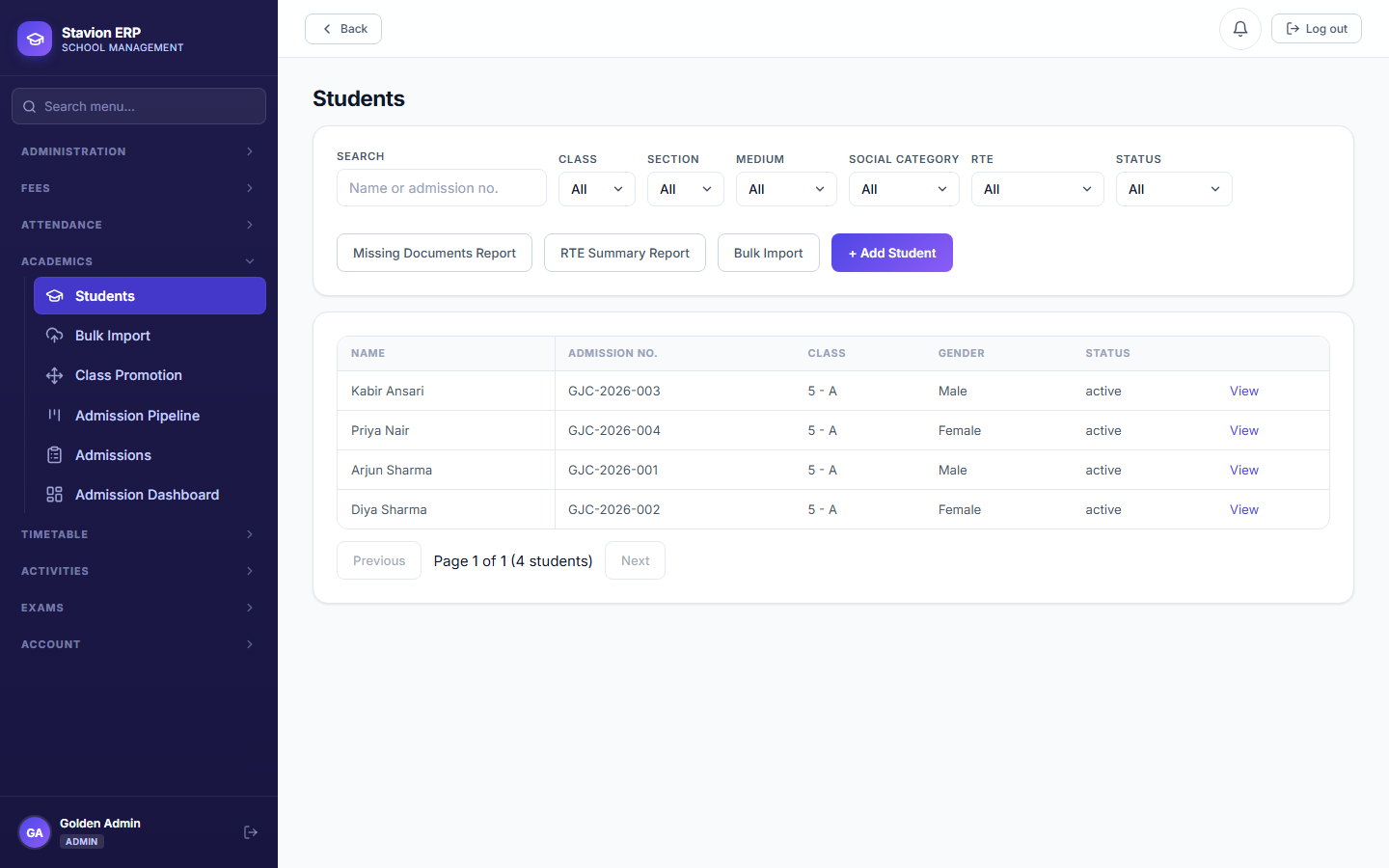
Validation rules & common errors
| Trigger | Error shown | Resolution |
|---|---|---|
| A required field (name, DOB, class, parent contact) is left blank | Field-level "required" message | Fill in every required field. |
| Admission number re-used from an existing student | This admission number is already in use | Choose a unique admission number, or let the auto-suggested one stand. |
A second sibling admitted with the same parent phone number reuses the existing login rather than creating a duplicate — but does not automatically gain access to that second child's data. Linking a second child to an existing parent login is a separate, manual "Set up login" action performed by the Admin.