Notifications
Overview
Every logged-in user — School Admin, Principal, teacher, or staff member — has a bell icon in the top-right corner of every screen. It is CampusOS's one shared place for "something happened that you should know about," regardless of which module raised it. This chapter explains how it works using the first real event that fires it: an overdue return reminder from Store & Inventory (Chapter 25 of the technical spec; not otherwise covered in this setup guide, since Store & Inventory is configured separately).
12.1 The Notification Bell
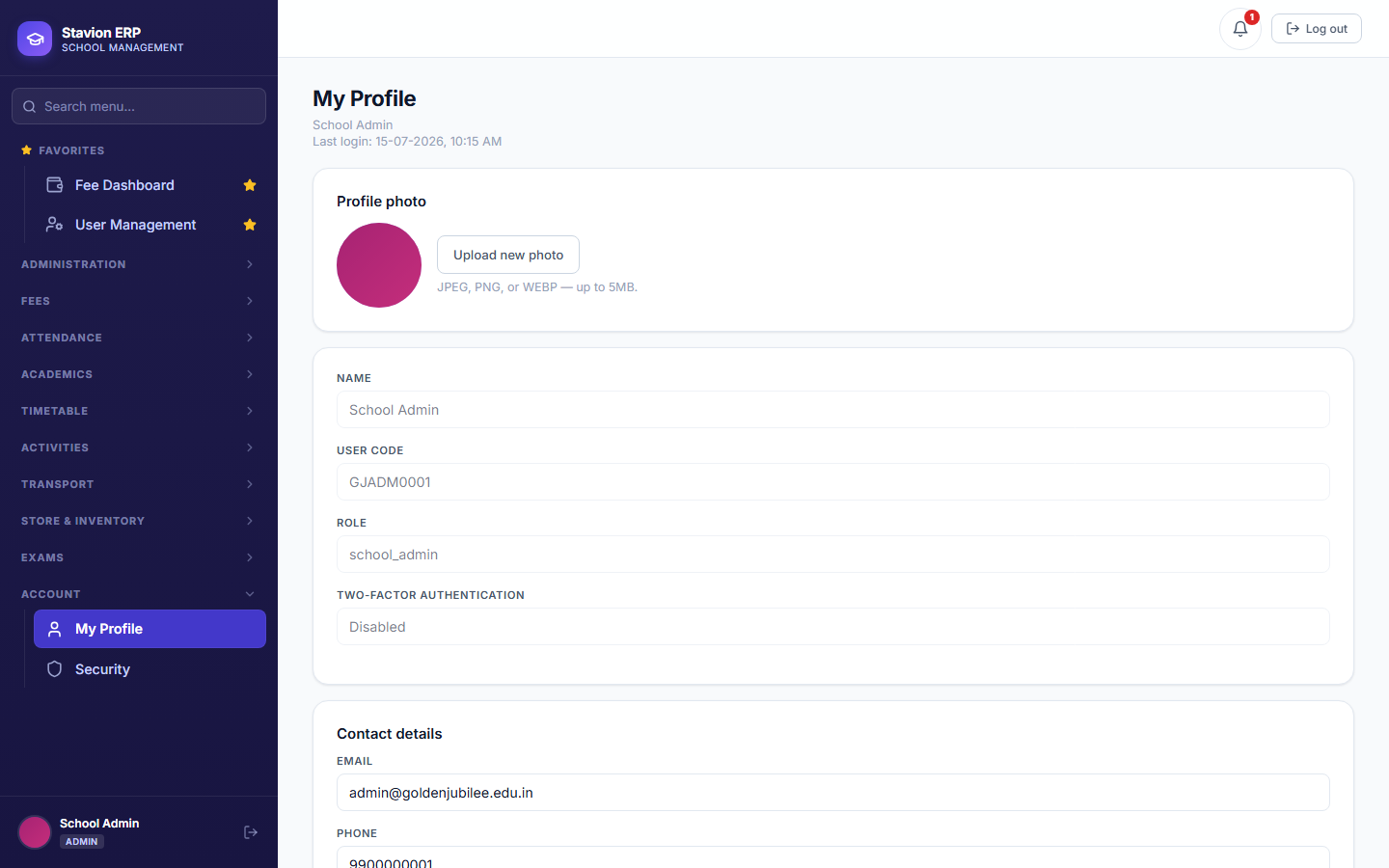
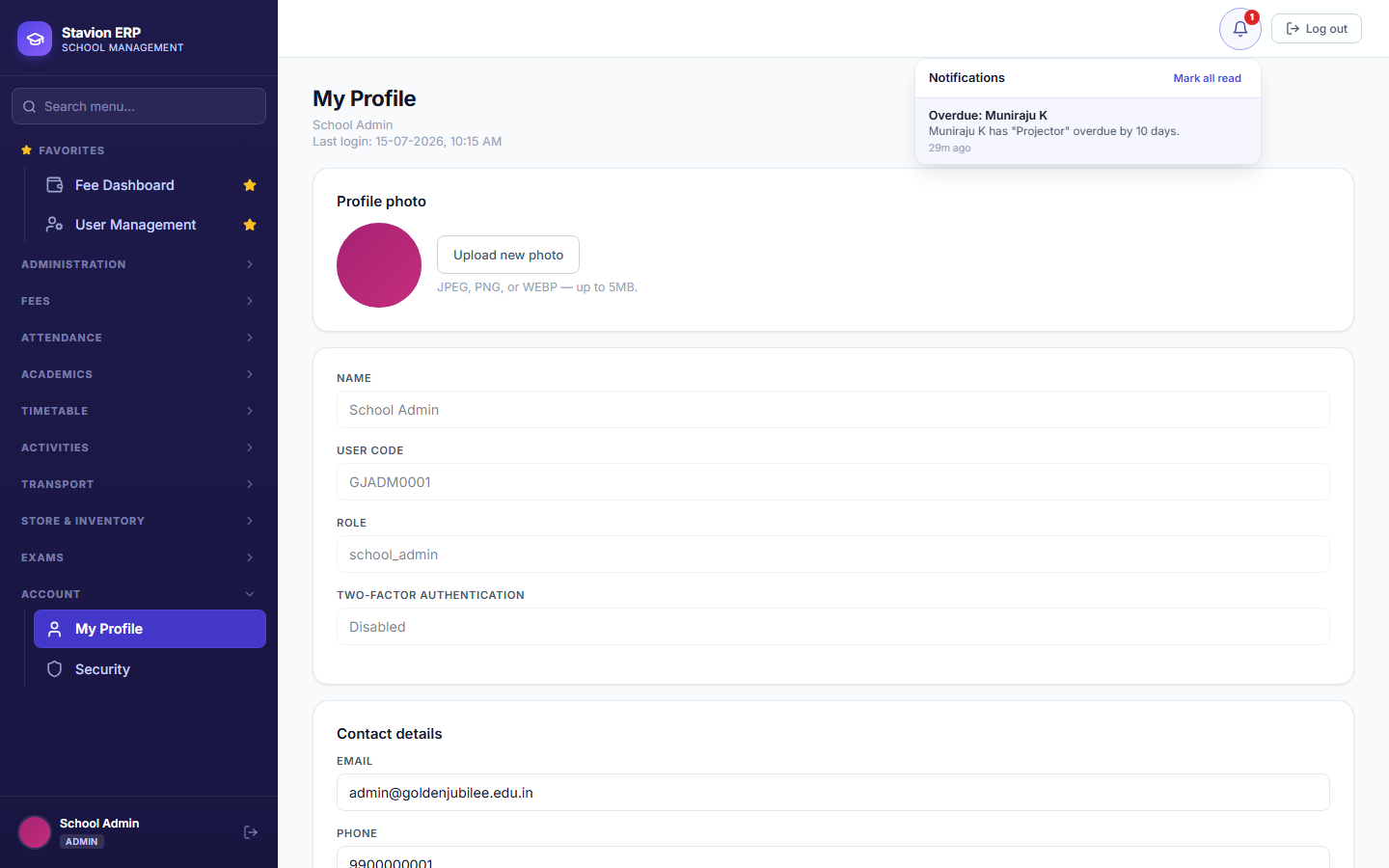
The bell sits next to Log Out on every page. A red badge appears the moment you have at least one unread notification, with the count inside it (capped at "99+"). Clicking the bell opens a feed of your most recent notifications, newest first — clicking any one of them marks it read and takes you straight to the screen it's about, so you never have to hunt for what it was referring to.
Key concepts
- In-app notificationA message that appears only inside CampusOS itself — in the bell feed. This is always delivered the moment it is created; there is no external dependency, so it never fails to arrive.
- WhatsApp / SMS deliveryCampusOS also records that a WhatsApp message should be sent for certain events (visible to Admin/Principal in the Notification Log, 10.3), but does not yet actually send it — that requires a paid WhatsApp Business/SMS provider account, which is a separate commercial setup step, not a software limitation. Every such notification is honestly shown as "Queued," not falsely marked "Sent."
- Who gets notifiedDepends on the event. An overdue return reminder (10.2) notifies the person who has the item (or their parent, if it was issued to a student) and every School Admin/Principal at the school — other event types notify whoever is relevant to that event.
12.2 A Concrete Example: Overdue Return Reminders
Store & Inventory tracks returnable items (projectors, lab equipment, sports gear) issued to a student or staff member with an expected return date. Once a day, CampusOS checks for anything still outstanding past that date and sends a reminder — the day it first becomes overdue, then again every 7 days until it's returned. This is the first real event wired into the notification system, and every future event type (fee-due reminders, exam-result publication, and others as they're built) will follow the exact same bell-plus-feed pattern shown here.
Item overdue
A daily check finds a returnable item still outstanding past its expected return date.
Recipient notified
The person who has it (or their parent, for a student issuance) gets a bell notification and a queued WhatsApp message.
Admin notified too
Every School Admin and Principal gets their own notification naming who has what, and how overdue it is.
Repeats until resolved
If it's still not returned, the same reminder fires again every 7 days — never more often, never silently stopping.
One event, two audiences — the person responsible for the item, and the people who manage the store.
The bell, the "queued until a provider is connected" honesty about WhatsApp, and the recipient-plus-admin split are all reusable — any future CampusOS module that needs to alert someone uses this same mechanism rather than inventing its own.
12.3 Admin Notification Log
Admin and Principal have one additional screen — Administration → Notification Log — listing every notification CampusOS has ever queued for delivery, across every module, most recent first: who it was for, which channel, which template, and its current status. Today every row's channel is WhatsApp and every status reads Queued, since no message provider is connected yet — the page says this plainly rather than leaving an admin to wonder why nothing shows as delivered.
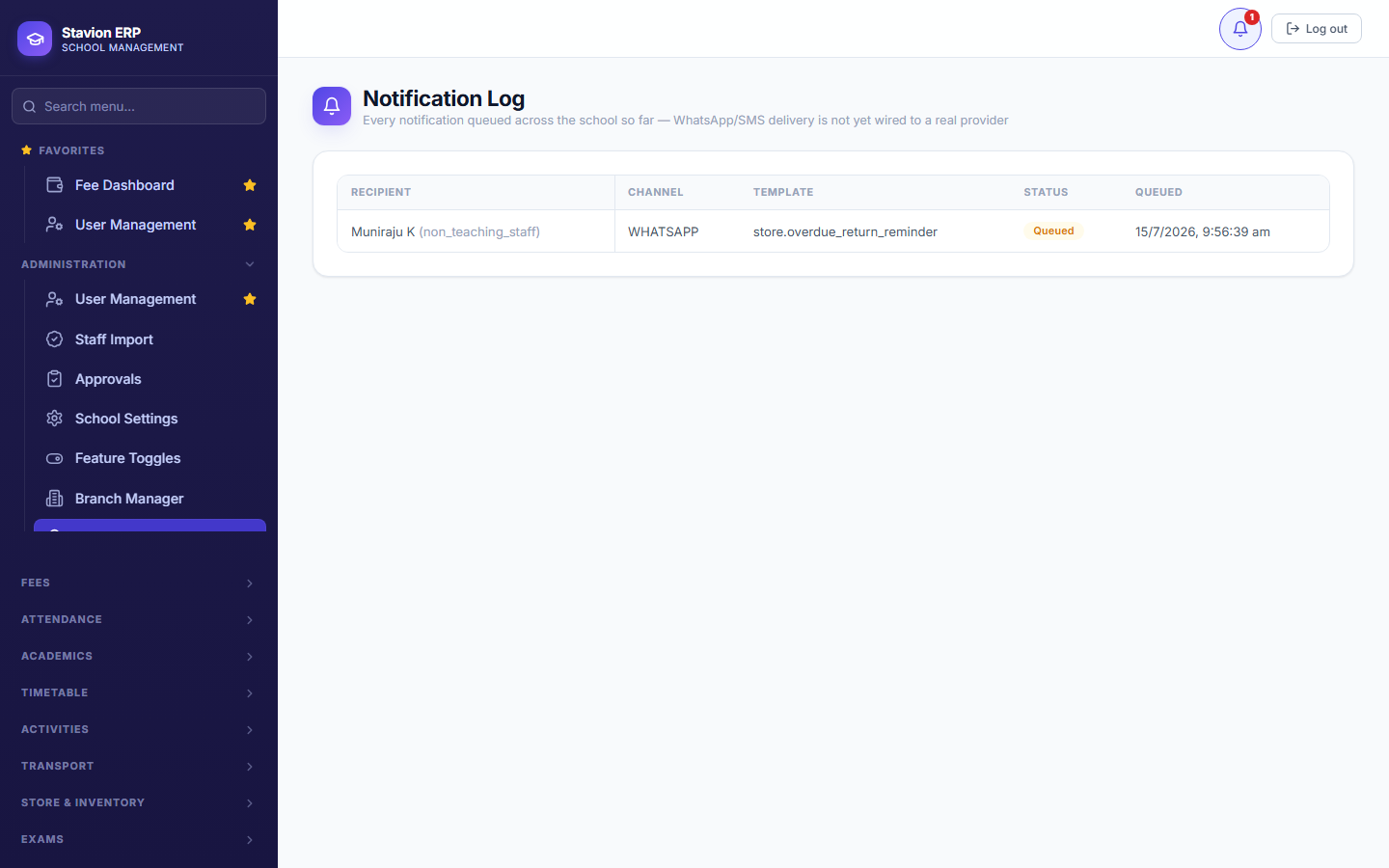
The current Notification Log is for oversight only; it does not (yet) let an admin manually resend a failed or queued message. That is planned as a later addition once a real WhatsApp/SMS provider is connected and delivery failures become something to actually recover from.